
How it works
How does IPTV work?
From order to your first broadcast: how it works, step by step.
How it works
Watching in four steps
No engineer at the door and no extra connection. Here's how to get started.
 01
01Choose your plan
Pick the duration that suits you: 1, 3, 6 or 12 months.
 02
02Place your order
Enter your name and email address and send your order via WhatsApp.
 03
03Receive your details via WhatsApp
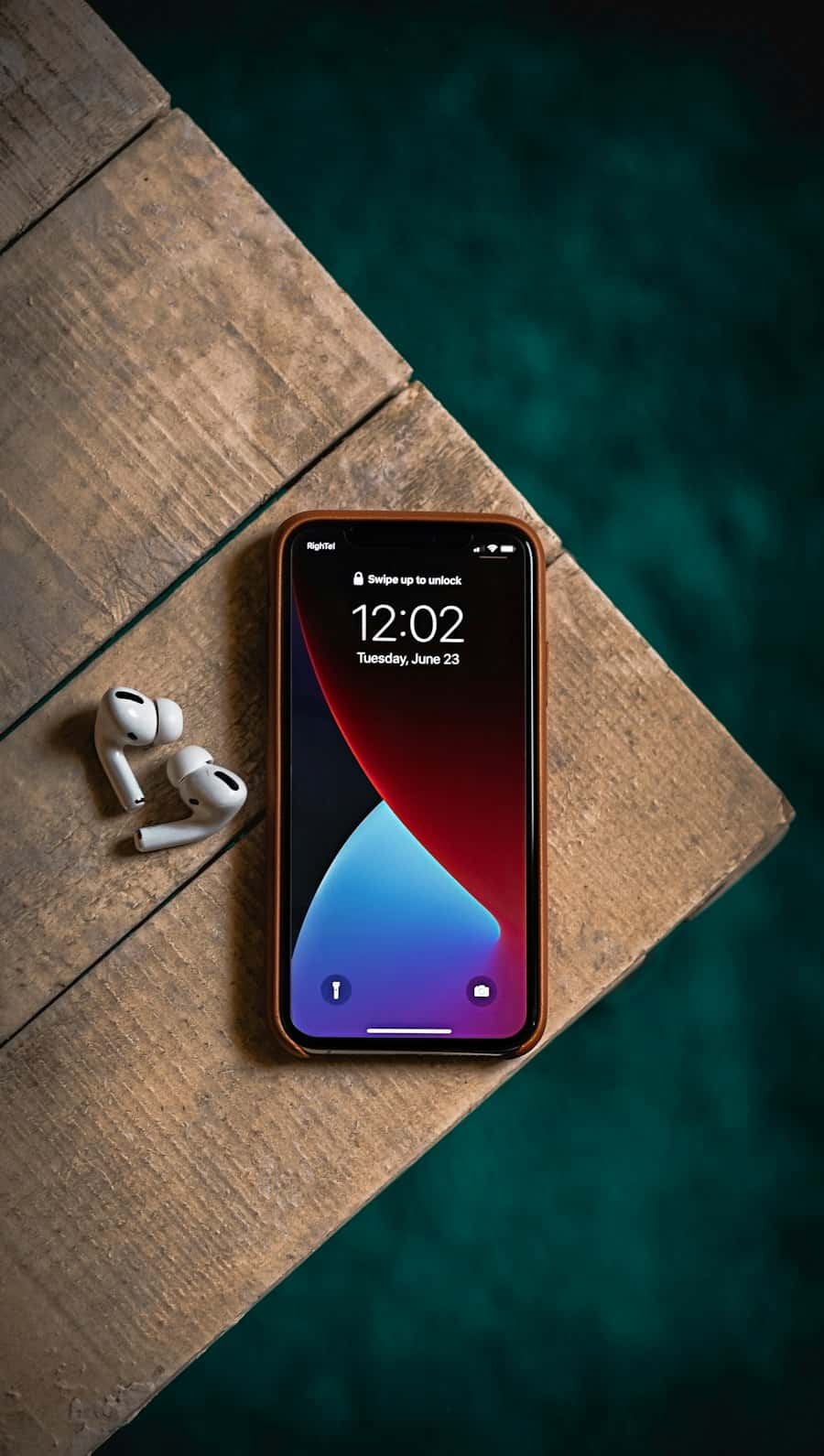
Your login details arrive via WhatsApp. Activation takes about 10 minutes.
 04
04Start watching
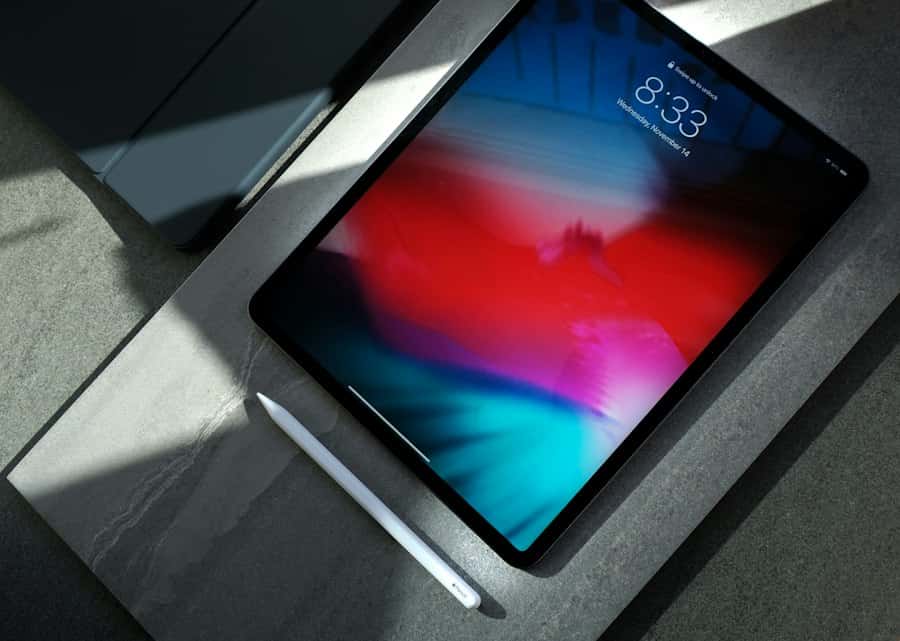
Enter your details in your IPTV app, choose a channel, film or series and press play.
What do you need?
01
Internet connection
At least 10–15 Mbps per HD stream, 25 Mbps or more for 4K.
02
A suitable device
Smart TV, Android TV, Android box, Fire TV, Apple TV, iPhone, iPad, Android, Windows or Mac.
03
An IPTV app
An IPTV app from your device's app store.
04
Your login details
These arrive via WhatsApp. Activation takes about 10 minutes.
Behind the scenes
- Channels and on-demand content are streamed to your device over the internet.
- Your IPTV app buffers a few seconds of video to absorb small fluctuations in your connection.
- You watch over the internet connection you already have; no separate TV connection is needed.
Tips for a stable picture
- Use a network cable instead of Wi-Fi where possible.
- Don't hide the router behind a cabinet or TV, and choose the 5 GHz band on Wi-Fi.
- Pause other heavy downloads while watching in high quality.
- Keep your IPTV app and device software up to date.

Want an easy way to watch IPTV in the Netherlands?
Choose your plan, order via WhatsApp and watch live TV, sport, films and series on your own screen. Activation in about 10 minutes.